For university leaders, registrars, student services, IT/security, and anyone who wants fewer emails, faster checks, and clearer truth—backed by cryptographic credentials.
TL;DR: What do you actually get—and how does it run on campus?
- Issuance that’s controlled and auditable: Admins authenticate, prepare credential templates, and issue individually or in bulk from CSV, with a two-person approval policy you define. The portal logs who did what and when, so corrections are clean and traceable.
- A single verification page you can host or embed: Verifiers scan a QR or use a public URL and get a clear result (Valid / Revoked / Incorrect/Unknown), with the option to copy/embed verifier HTML in your own site.
- Admin UX that matches real registrar work: Backoffice lists admins and entities with statuses (Sent, Active, Revoked), invitation resend, disable/revoke with reason, and a guided “Alta de Administrador y Entidad” flow that emails the invite with wallet links, QR, and deep link.
- Extrimian AI-First company: Even if AI agent Micelya is internal-only this help us to build and deliver a more accurate product for our clients and final users; it improves our delivery speed and consistency (knowledge hub, handoffs, SOPs), which you feel as better support and final product experience.
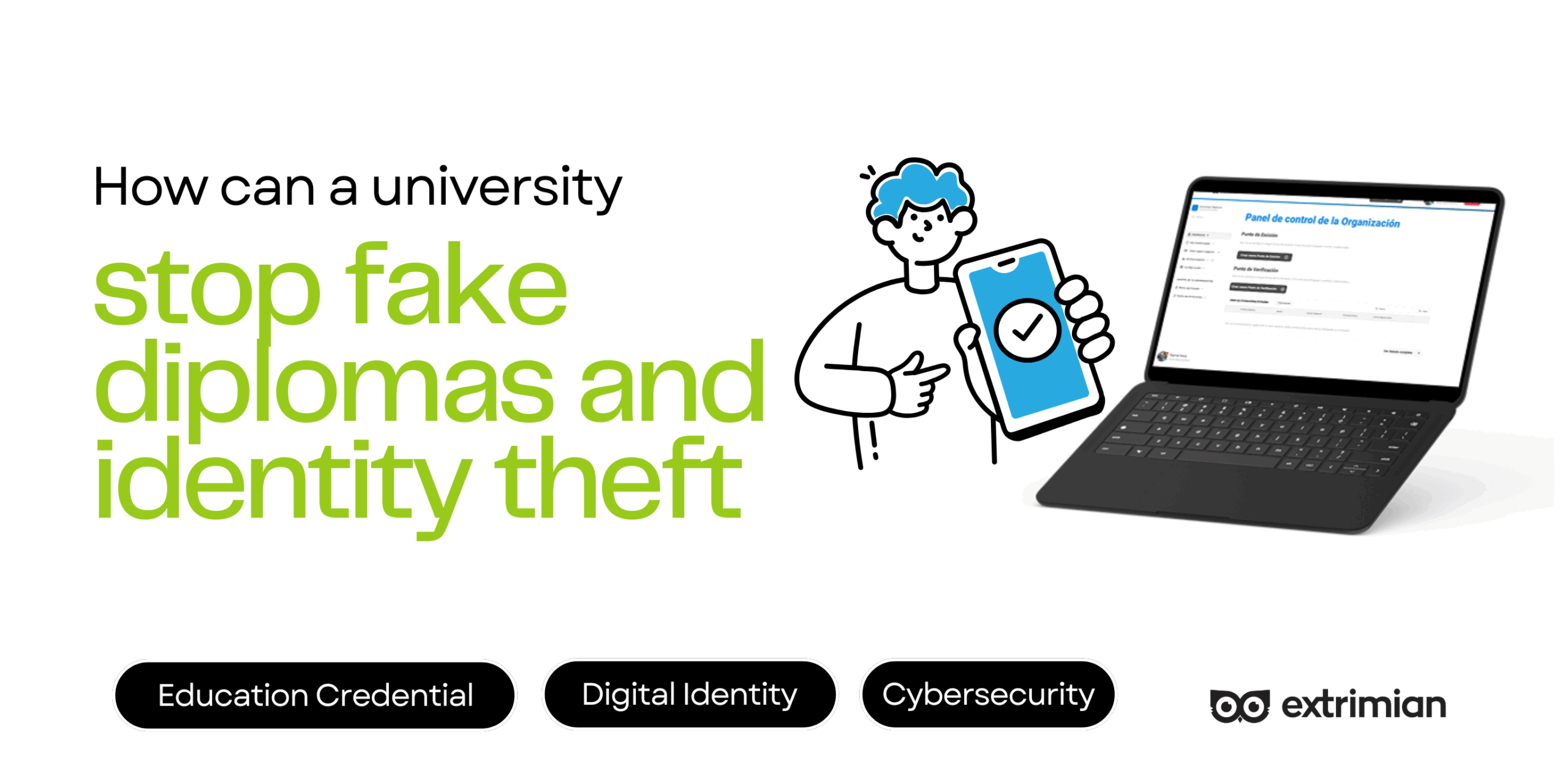
How can a university stop fake diplomas and identity theft
What problem are we solving—right now, in your inbox?

PDFs and screenshots look official but aren’t proof. Every week, employers and partner schools ask for confirmations; staff forward attachments; someone “just checks quickly,” and doubt lingers. Extrimian moves trust from appearance to cryptographic proof: students share a link/QR; your public verifier (hosted or embedded) returns Valid / Revoked / Unknown issuer in seconds—no inbox ping-pong, no guesswork.
What’s the solution in plain words (no acronym soup)?
Give each important proof a tamper-proof, shareable version—and give the world one official place to check it.
1) Issue credentials with control and clarity
- Backoffice setup for admins & entities: list admins with status (Sent, Active, Revoked), resend invites, revoke/disable with reason. This keeps who-can-issue under tight control.
- Admin invites by email: your portal sends a welcome email with wallet links (iOS/Android), a QR to issue the admin credential, and a deep link for mobile. This is the clean onramp to wallet-based admin auth.
- ID Wallet sign-in for admins (Login con credential): admins authenticate by presenting the admin credential’s QR, then land in their Home.
- Projects and points: the Admin Home shows your default Project and two panels: Issuing Points, and Verification Points, with quick actions to create/edit each. This mirrors how registrars think about “where we issue” and “where we verify.”
2) Design and issue the right credential (one-off or at scale)
- Types & templates: for each Point of Emission, you manage Credential Types with editable name, description, hero, icon, background, plus attributes you can enable/disable or add. You also get a live preview before saving, which reduces surprises at graduation time.
- Individual issuance: pick a template, fill recipient name/email, complete the dynamic attributes required by that template, preview, and Issuewhen everything’s correct.
- Bulk issuance (CSV): select a template, upload .CSV, preview, and Issue Credentials when all fields validate. This is designed for large cohorts and reduces manual entry risk.
- Safe edit/copy flows: you can only edit a type before issuing; you can also duplicate a type to iterate safely without touching live cohorts.
3) Give the world a one-page verifier (hosted or embedded)
- Create aVerification Point: name it, choose the credential type, optionally set the issuer DID, add a webhook for events, and generate it.
- Publish & embed: copy the verifier HTML for your site and/or copy the public verifier URL hosted by Extrimian—both are provided at creation.
- What verifiers see: your public verifier shows your university name, verifier name, and QR; when a presentation arrives, it updates the status to Successful Verification or Incorrect Verification—plain language for third parties.
Important clarity: Verification uses digital signatures and status (cryptography). We don’t run AI to “guess” authenticity. Your result is deterministic and transparent.
How does this look in real university life (concrete, day-to-day use)?
- Diplomas without drama: students receive a digitally signed diploma they can share as link/QR. Employers use your verifier once and get a clear result, not a long thread. If a typo slips through, registrar follows revoke → re-issue → notify; the public link always shows the latest truth. (Flows supported by individual/bulk issuance, revocation controls, and public verifier.)
- Enrollment status that respects privacy: most checks just need “enrolled this term.” You issue a minimal credential and point verifiers to your page. If status changes, the old one is Revoked, the new one is Valid, and external parties naturally see the right answer at the right time. (Backed by verifier status and revocation model.)
- Transfers & course recognition without email chains: shareable course completion credentials replace scans that go stale. The link stays constant while the truth stays current. (Template attributes + preview reduce errors before they happen.)
- Career fairs & outreach with momentum: students show a QR; recruiters scan at your public verifier URL and see Successful verification right there. (Easy to host or embed.)
- Alumni support that actually helps: years later, alumni can request a re-issue; you revoke the old and issue the new. Anyone using the old link sees Incorrect/Reversed verification and requests the updated proof. (Admin list and actions maintain control.)
Who does what so this runs smoothly (roles mapped to the portal)
- Registry & Academic Records: Designs templates (name/description/hero/icon/background), sets attributes (on/off or new), and previews before saving; runs individual or bulk issuance; performs revocations and re-issues when needed; documents reasons for changes.
- IT & Security: Controls admin authentication (credential-based login via QR), configures/verifies Verification Points (webhook, optional issuer DID), and embeds verifier HTML or publishes the public verifier URL; ensures backups and uptime.
- Student Services & Comms: Educates students to share link/QR using the digital wallet on their mobiles, instead of PDFs and guides employers/partners to the official verifier URL; keeps a short FAQ aligned with the page’s Valid/Revoked/Incorrect outcomes.
- Leadership (Provost, CIO/CTO, Risk & Compliance): Endorses the one-page policy: “Verify here; PDFs aren’t official proof,” and monitors adoption (usage of the public verifier vs. email requests). (Policy and messaging are supported by the portal’s embed/public URL model.)
See a real live demo here from UAGRO, one of our succesfull cae studies: UAGRO – Students Credentials & Digital ID Wallet Demo
How do we handle privacy, consent, and accessibility—without slowing anyone down?
Minimum disclosure by design: verifiers see exactly what’s needed to trust a result—no more. The public verifier returns a status and human-readable guidance, not full records. (This is inherent to the verifier’s status model.)
Consent that makes sense: students control when to present their credential (via link/QR). Because the verification lives on your official page, the experience is consistent and auditable across departments and partners.
Clear language and supportability: outcomes are stated plainly (e.g., Successful verification), and you can embed the verifier into familiar web contexts to reduce friction for external parties.
Where does “AI-first” fit—and why should you care if it isn’t inside verification?
We keep AI out of the verification path. Your truth is based on cryptography and status, not AI guesses. Where AI helps is inside Extrimian, through our agent Micelya:
- Shared Knowledge Hub: policies, templates, integration notes, and client context live in a role-based, searchable space so our teams respond with consistent, up-to-date answers.
- Faster handoffs and fewer do-overs: Micelya suggests next steps for our internal tasks (who approves, which template, what changed), so corrections move faster and communication is aligned.
- Continuous improvement that sticks: when we learn a better placement for the verifier link or a clearer outcome message, it enters our playbook and stays there—even as teams change.
You feel Micelya in response times, consistency, and smoother rollouts—not in your verifier stack.
FAQs about Extrimian Identity Verification Solution for Universities
Do you use AI to verify credentials?
No. Verification uses digital signatures and status checks only. The public verifier returns a deterministic result (Successful/unsuccessful verification) that doesn’t depend on AI.
Can we embed the verifier into our website?
Yes. When you create a Verification Point, the portal gives you HTML to embed and the public verifier URL. You can copy either—or both—depending on your deployment.
How do admins authenticate?
Through credential presentation (QR) on the Admin Login, which takes them to their Home. The initial admin credential is issued via the invitation email with wallet links, QR, and deep link.
How do we issue a whole cohort?
Use Mass Issuance: pick a template, upload CSV, preview, and Emitir when checks pass. For single cases, use Individual Issue with dynamic attributes and preview.
How do partners verify?
They scan your QR or open your public verifier URL. The page shows university name, verifier name, and a status (Successful/unsuccessful verification) when a presentation arrives.
Contact us to avoid diploma and data fraud
Let’s map your flow and harden it—without slowing anyone down.
In one session, we’ll share a demo on how you can issue diplomas, and how the verification process works, identify quick wins, and hand you a short, clear plan: which credentials to start with, how your verification page should look, the approval steps to lock in, and the four KPIs you’ll track.
Not jargon. Not heavy lift. Just a safer, calmer way to run credentials in the AI era, with Extrimian as your AI-first partner for security and trust.
Further reading & internal links
- Fundamentals of SSI (plain-English intro): https://academy.extrimian.io/fundamentals-of-ssi/
- Integrate Solution (connect issuer/verifier to SIS/LMS): https://academy.extrimian.io/integrate-solution/
- Masterclass (training for registrar & IT/security): https://academy.extrimian.io/masterclass/
Contact Extrimian (book a 30-minute review): https://extrimian.io/contact-us